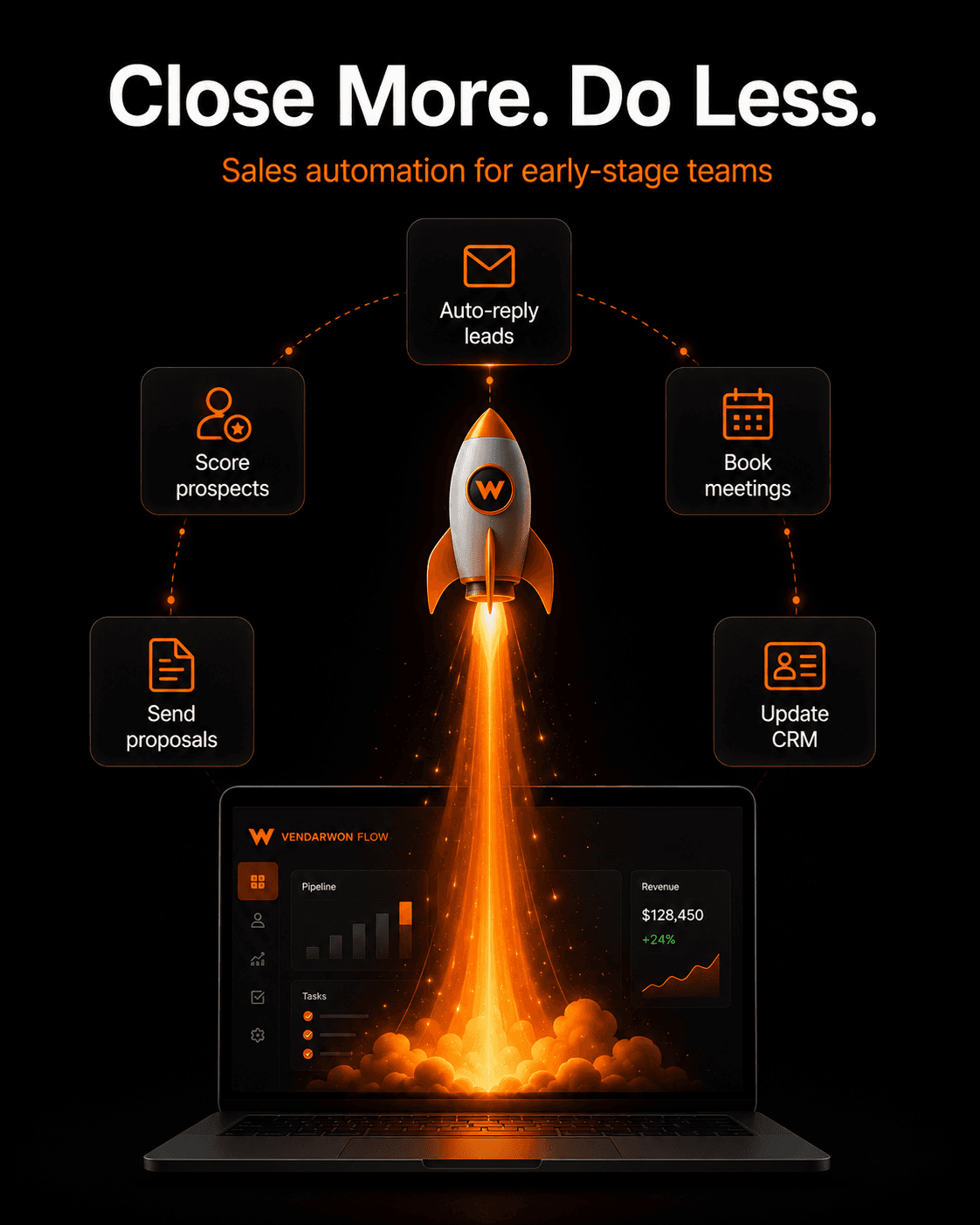
Early-stage startups have an unfair disadvantage in sales: enterprise competitors have dedicated sales ops teams, SDRs, account executives, and RevOps specialists. A three-person founding team has none of that. Sales automation is how you close that gap — handling the operational parts of sales automatically so your small team can focus on the conversations that actually close deals.
Why startups can't afford to do sales manually
Manual sales processes have a hidden cost that most founders underestimate. Every hour a founder spends on CRM data entry, follow-up scheduling, or copy-pasting lead information is an hour not spent on product, fundraising, or closing. At the pre-revenue stage, that cost is existential.
The good news: the 5 automations below can be built in a single afternoon on Vendarwon Flow's free plan. Once running, they handle the operational layer of sales permanently — giving your team the leverage of a much larger operation without the headcount.
The 5 automations every early-stage startup should build first
1. Lead capture: form → CRM in seconds
Every time someone fills out your “Request a demo” form, their details should appear in your CRM instantly — no copy-paste, no tab-switching, no manual entry. Build a webhook trigger that receives the form submission and creates a HubSpot or Pipedrive contact automatically.
Add an AI node to score the lead and populate a “lead quality” field so you can sort your CRM view by quality and always call the best leads first.
Time to build: 15 minutes. Time saved per week: 1–2 hours.
2. Instant follow-up: never let a hot lead wait
When a high-quality lead fills out a demo form, the first 5 minutes matter more than the next 5 hours. Build an automation that sends a personalized response email immediately after the form is submitted — while you're still in a meeting, asleep, or in another timezone.
The AI node personalizes the email based on the lead's company and stated use case. The email confirms receipt, sets expectations for next steps, and includes a calendar link. It lands in their inbox within 60 seconds of them pressing submit.
Time to build: 20 minutes. Impact: 2–5x improvement in lead-to-meeting conversion for after-hours submissions.
3. Meeting scheduling: eliminate back-and-forth
After sending the initial follow-up, the next bottleneck is scheduling the actual meeting. Instead of emailing back and forth to find a time, include a Calendly or Google Calendar booking link in the first follow-up email. When they book, a workflow fires automatically: CRM deal updated, Slack notification sent to the rep, reminder email sent to the prospect 24 hours and 1 hour before the meeting.
Time to build: 10 minutes. Time saved: 15–30 minutes of scheduling per meeting.
4. Proposal sending: auto-generate and send
After a discovery call, the most common next step is a proposal or pricing doc. Instead of writing a new one each time, build a template and an automation that fills it with the prospect's details (company name, use case, pricing tier) and emails it automatically when you update the deal stage to “Proposal” in your CRM.
An AI node can customize the proposal introduction paragraph based on the specific problem the prospect described on the call — making it feel bespoke without requiring 45 minutes of writing per deal.
Time to build: 30 minutes. Time saved: 45–60 minutes per proposal.
5. Win/loss tracking: learn from every deal
When a deal closes (won or lost), a workflow automatically logs the outcome with structured data: deal value, sales cycle length, lead source, and the decision reason. Won deals trigger the client onboarding sequence. Lost deals trigger a short 3-question survey to the prospect asking what drove their decision — sent via email, with AI summarizing the responses into your CRM.
Over 20–30 deals, this data reveals patterns: which lead sources convert best, what objections kill deals, how sales cycle varies by company size. These insights are worth more than any sales training course.
Time to build: 25 minutes. Value: Compounding — improves every subsequent sales decision.
The cost of NOT automating
Consider a startup founder spending 3 hours per day on sales administration: CRM entry, follow-up scheduling, proposal writing, status updates. At a conservative $150/hour opportunity cost, that's $450/day — $9,000/month — in founder time spent on tasks that could be automated for $9–$29/month.
More importantly, the leads that fall through during busy weeks — the demo request that came in Friday at 6pm and didn't get a response until Tuesday — represent lost revenue that is invisible in a spreadsheet but very real in your pipeline.
Getting started on Vendarwon Flow's free plan
Vendarwon Flow's free plan includes 100 executions per month — more than enough to run all five of these automations at early-stage volume (typically 10–30 leads per week). As you scale, the Starter plan at $9/month handles 2,000 executions.
To get started: connect your CRM (HubSpot or Pipedrive), Gmail, and Slack. Then describe each automation in plain English in the workflow builder. Vendarwon Flow generates the workflow structure, you review the nodes, and you activate. Most of these workflows are live within the same afternoon.
Frequently asked questions
Do I need a CRM to get started?
No. You can start with a Google Sheet as your “CRM” — Vendarwon Flow integrates with Google Sheets natively. As you grow, migrating to HubSpot or Pipedrive takes a single afternoon and the workflows update with minimal changes.
What if my leads come from multiple sources?
Build a separate trigger for each source (your website form, LinkedIn, email), all routing into the same qualification and follow-up workflow. Vendarwon Flow handles multiple triggers pointing to the same workflow logic.
Get started in under an hour — free
Build all 5 of these startup sales automations on Vendarwon Flow today. Free plan, no credit card, no developer required. Describe what you want and the AI builds it.
Start building →