
The average knowledge worker spends over 4 hours a day on tasks that could be handled automatically. Here are the 10 most common time-wasters — and exactly how to eliminate them.
Why these tasks are still done manually
Most businesses aren't skipping automation because they don't want it. They're skipping it because they don't realize how easy it is. Every task on this list can be automated in under 30 minutes using a tool like Vendarwon Flow — no code, no developer, no complicated setup.
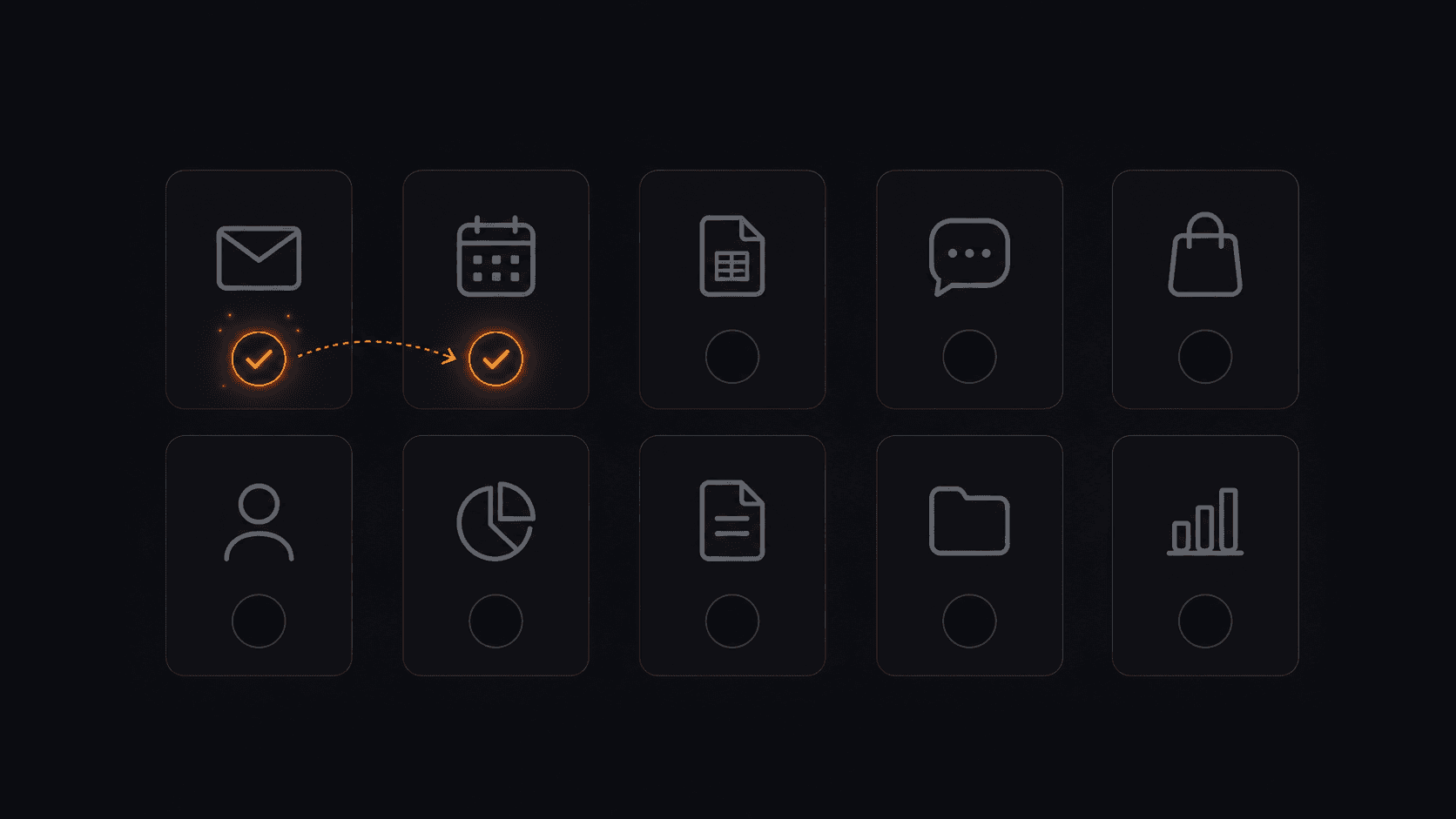
10 common business tasks — all automatable in under 30 minutes each.
The 10 tasks you should automate today
1. Copying leads from email into your CRM
Every time someone fills out a contact form or emails you, someone manually enters their details into HubSpot, Pipedrive, or a spreadsheet. This takes 2–5 minutes per lead and introduces typos. Automate it: new email or form submission → contact created in CRM automatically.
2. Sending welcome emails to new signups
The moment someone signs up, joins your list, or makes a purchase, they should get a personal welcome email. Most businesses either delay this or forget entirely. Automate it: new signup → welcome email sent instantly, every time.
3. Notifying your team about new orders
If you run an e-commerce store, someone is either checking the Shopify dashboard constantly or missing orders. Automate it: new Shopify order → instant Slack message with customer name, product, and order value.
4. Logging meetings and calls to your CRM
After every sales call, someone has to go into the CRM and log notes, update the deal stage, and schedule a follow-up. Automate it: calendar event ends → CRM deal updated, follow-up task created.
5. Weekly status reports
Every Friday, someone compiles numbers from three different tools into a report and emails it to the team. Automate it: scheduled workflow pulls data from Google Sheets, formats it, and emails the report automatically every Friday at 9am.
6. Routing support tickets to the right person
Support emails land in a shared inbox and someone has to read them, figure out who should handle them, and forward them. Automate it: incoming support email → AI classifies the issue → routed to the right team member in Slack.
7. Posting the same content across multiple platforms
Writing a post and then manually copying it to LinkedIn, Twitter, and a Notion content log is pure repetition. Automate it: publish to one platform → workflow cross-posts to others and logs it automatically.
8. Chasing unpaid invoices
Following up on overdue invoices is awkward and time-consuming. Automate it: invoice overdue by 3 days → polite follow-up email sent automatically. Overdue by 7 days → second follow-up. No manual tracking needed.
9. Updating project status when tasks are completed
When a task is marked done in Asana or ClickUp, someone needs to update the client, notify the next person in the chain, or move the project stage. Automate it: task completed → client notified, next assignee alerted, status updated.
10. Backing up form submissions to a spreadsheet
Contact forms, survey responses, and order forms generate data that gets siloed inside one tool. Automate it: new form submission → row added to Google Sheets instantly, every time, with all fields mapped correctly.
How much time does this actually save?
If each of these tasks takes just 10 minutes per day across your team, that's 100 minutes of manual work eliminated daily. Over a year that's over 400 hours — roughly 10 full work weeks returned to your business.
And that's being conservative. Most teams find the real number is much higher once they start tracking it.
Where to start
Don't try to automate all 10 at once. Pick the one that bothers you most right now — the task that interrupts your focus every single day. Build that automation first, watch it work, and let that momentum carry you to the next one.
With Vendarwon Flow, each of these workflows takes under 5 minutes to describe and activate. Start with one today.
Frequently asked questions
How long does it take to set up each automation?
Most of these take 5–15 minutes on Vendarwon Flow. You connect your apps, describe the workflow in plain English, and activate it. The AI handles the technical setup.
What if my business uses different apps?
Vendarwon Flow supports 42+ integrations. If your specific app isn't listed, you can use the HTTP Request node to connect to any app with an API.
Can I automate tasks that need human judgment?
Yes — you can add a human approval step to any workflow. The automation pauses, sends you an approve/reject link, and only continues when you respond.