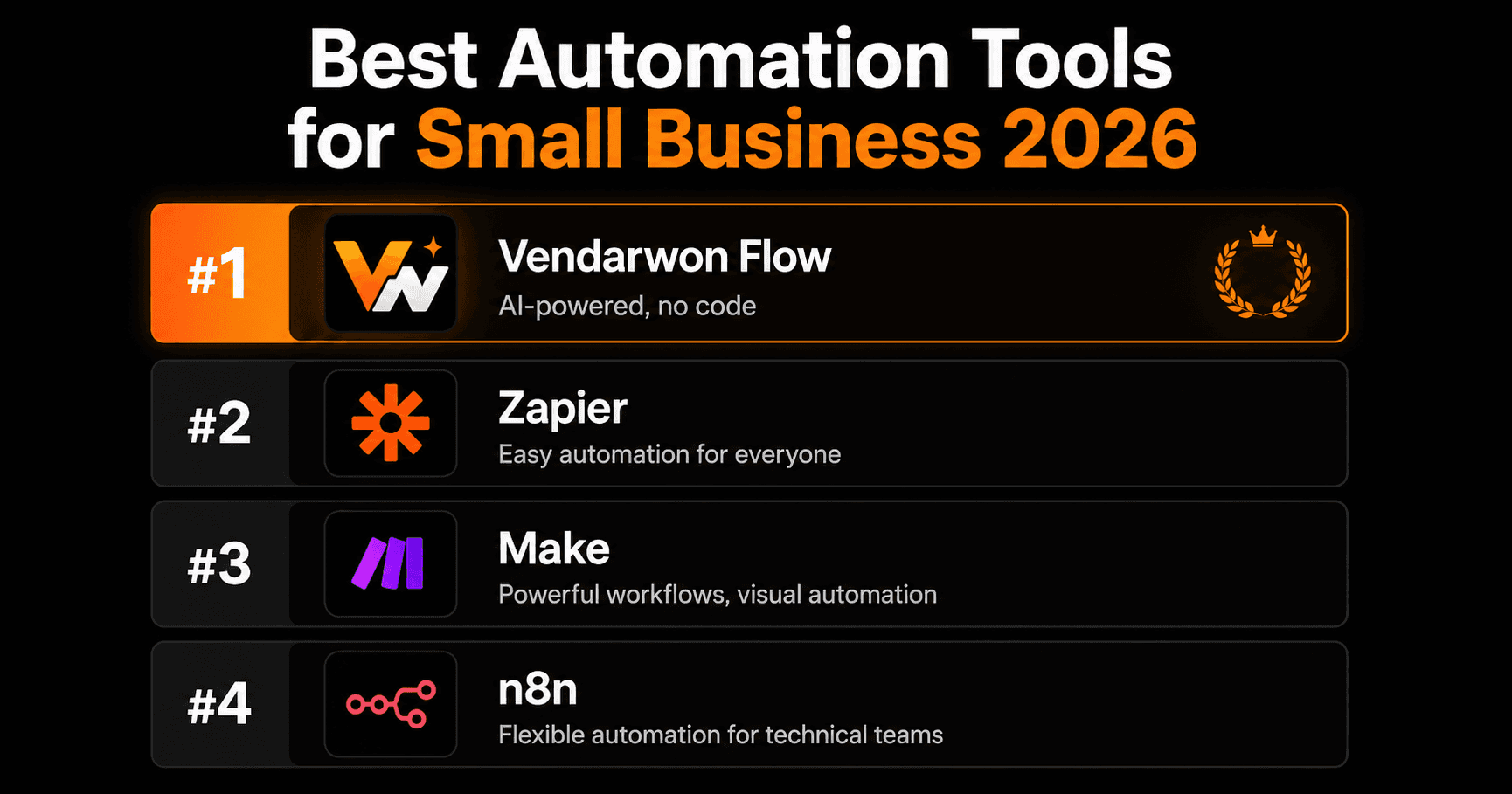
Small businesses don't have IT departments or automation engineers. They need tools that work immediately, don't require a manual to understand, and don't break the budget. Here are the best workflow automation platforms for small teams in 2026 — ranked honestly.
What small businesses actually need from automation
The requirements for a small business are different from an enterprise. You need:
- Fast setup — you can't spend days learning a platform
- Low cost — pricing needs to make sense at low-to-mid volume
- No technical team required — the owner or an ops person should be able to build and maintain it
- Reliability — it has to work while you sleep
- The right integrations — Gmail, Slack, your CRM, Shopify, Notion — not 6,000 obscure apps you'll never use
#1 — Vendarwon Flow (best overall for small business)
Vendarwon Flow was built for exactly this use case. You describe your workflow in plain English — “When a new Shopify order comes in, send the details to my #orders Slack channel” — and AI builds it instantly. No configuration screens, no node mapping, no technical knowledge required.
For small businesses, this matters enormously. Most automation platforms assume you have time to learn their system. Vendarwon Flow assumes you don't — and gets out of the way.
The platform also has AI nodes built in natively. You can add a step that reads an email, classifies the intent, scores a lead, or writes a response — all wired directly into your workflow logic. No API keys, no custom code, no extra charge.
- Ease of use: Excellent — plain English workflow builder
- Pricing: Free (100 executions), $9/month Starter, $29/month Growth
- Integrations: 42+ (all the essentials covered)
- AI workflows: Native — built into every plan
- Best for: Any small business owner who wants automation without a learning curve
#2 — Zapier (best for breadth of integrations)
If your business relies on a niche app that only exists on Zapier's 6,000-integration network, Zapier is still the right choice. For simple trigger-action automations — new form submission → email, new calendar event → Slack message — it works well and is easy to understand.
The downside for small businesses: the free plan is very limited (100 tasks/month, single-step only), and pricing escalates quickly. Multi-step workflows also feel bolted on rather than native.
- Ease of use: Good for simple automations
- Pricing: Free (100 tasks), $19.99+/month — gets expensive fast
- Integrations: 6,000+ — widest selection available
- AI workflows: Limited
- Best for: Businesses needing niche integrations not available elsewhere
#3 — Make (best for technical small business owners)
Make has the best value pricing of any visual automation platform — $9/month for 10,000 operations is hard to beat. If you have a technical mindset and enjoy visual workflow builders, Make can handle surprisingly complex automations.
The problem for most small businesses: the learning curve is real. Concepts like bundles, iterators, and aggregators take time to understand. If you're not the type who enjoys figuring out software, Make will frustrate you.
- Ease of use: Moderate — steep initial learning curve
- Pricing: Free (1,000 ops), $9+/month — excellent value
- Integrations: 1,000+
- AI workflows: Possible via API, not native
- Best for: Technical owners who want power at low cost
#4 — n8n (best for developer-led small businesses)
If your small business has a developer on staff (or you are one), n8n's self-hosted option gives you unlimited workflows for the cost of a server ($10–20/month). The flexibility is unmatched — you can write custom JavaScript in any step and connect to any API.
For non-technical owners, n8n is not recommended. Setup requires Docker and command-line knowledge, and you're responsible for uptime and maintenance.
- Ease of use: Low for non-technical users
- Pricing: Free (self-hosted), $20+/month cloud
- Integrations: 400+
- AI workflows: Custom code required
- Best for: Developer-led teams who want full control
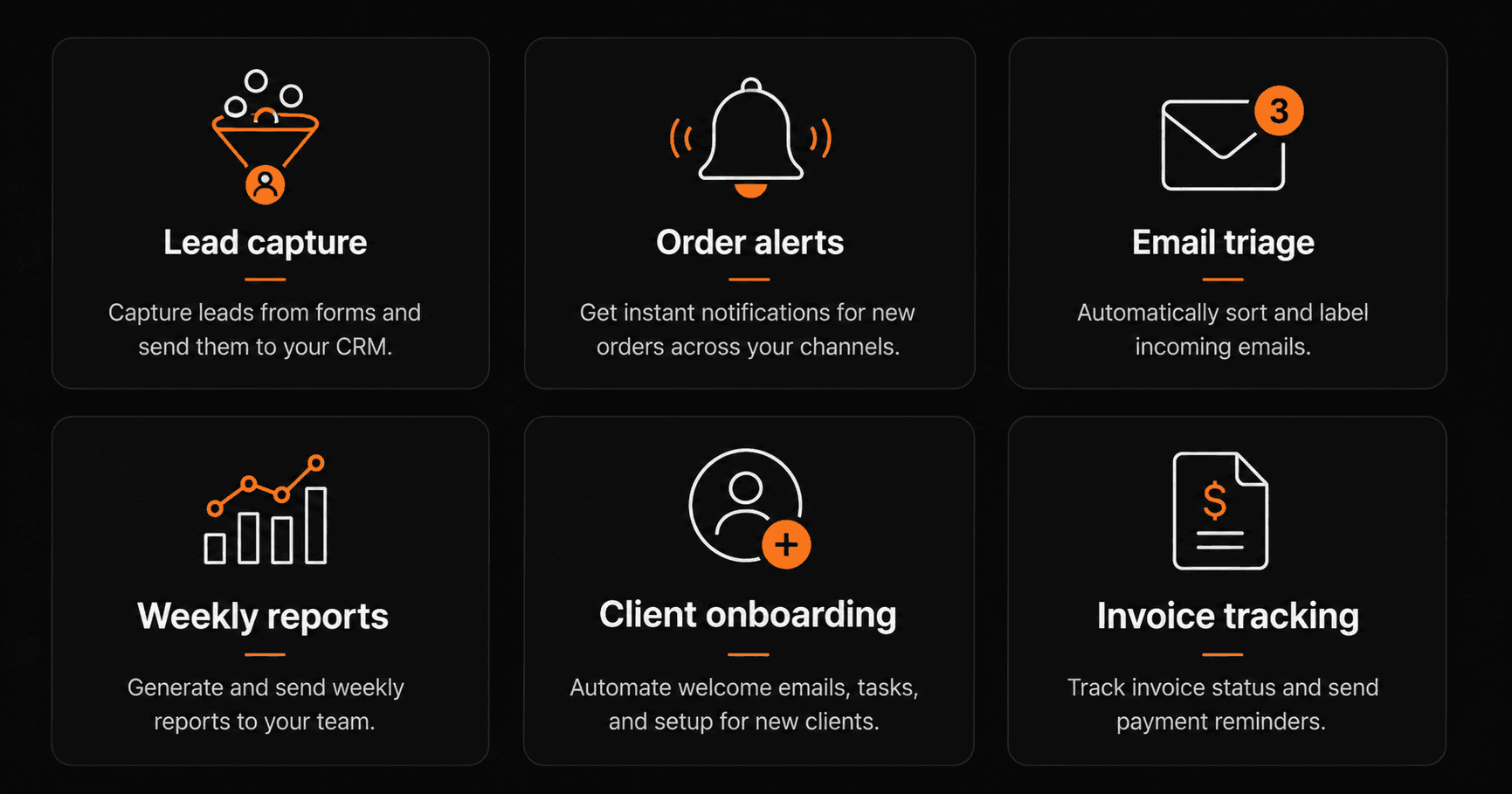
The 6 automations every small business should have running — all buildable in under 10 minutes each.
The 6 automations every small business should build first
Lead capture → CRM
Every contact form submission, email inquiry, or booking automatically creates a contact in your CRM. No manual entry, no missed leads.
Order alerts
New Shopify, WooCommerce, or Gumroad orders trigger instant Slack or email notifications with customer name, product, and order value.
Email triage
Incoming emails are classified by AI — sales inquiry, support request, spam — and routed to the right person or channel automatically.
Weekly reports
Every Friday at 9am, data is pulled from your tools, formatted into a summary, and emailed to you and your team automatically.
Client onboarding
When a new client signs, a sequence fires: welcome email, Notion page created, onboarding task assigned, calendar invite sent.
Invoice tracking
Overdue invoices trigger automatic follow-up emails at 3 days, 7 days, and 14 days. No manual chasing needed.
How to choose
For most small businesses, the choice is simple: start with Vendarwon Flow. The free plan covers 100 executions per month — enough to test every automation on this list. When you hit the limit, $9/month covers 2,000 executions and all features including AI nodes.
If you have a very specific niche app that only exists on Zapier, use Zapier for that one connection. If you have a developer on your team and want zero monthly fees, evaluate n8n.
Frequently asked questions
What's the easiest automation tool for a non-technical business owner?
Vendarwon Flow — you describe what you want in plain English and the AI builds the workflow. No configuration, no learning curve, no developer needed.
Which automation tool has the best free plan for small businesses?
Make has the most generous free plan (1,000 operations/month). Vendarwon Flow's free plan (100 executions) is smaller but includes AI nodes, which Make's free plan doesn't match natively.
How long does it take to set up automation for a small business?
With Vendarwon Flow, most basic automations take 5–10 minutes to describe, connect apps, and activate. More complex multi-step workflows take 15–30 minutes.
Do I need to know how to code?
Not with Vendarwon Flow, Zapier, or Make. All three are designed for non-technical users. n8n requires some technical knowledge for self-hosting but not for building workflows once it's set up.