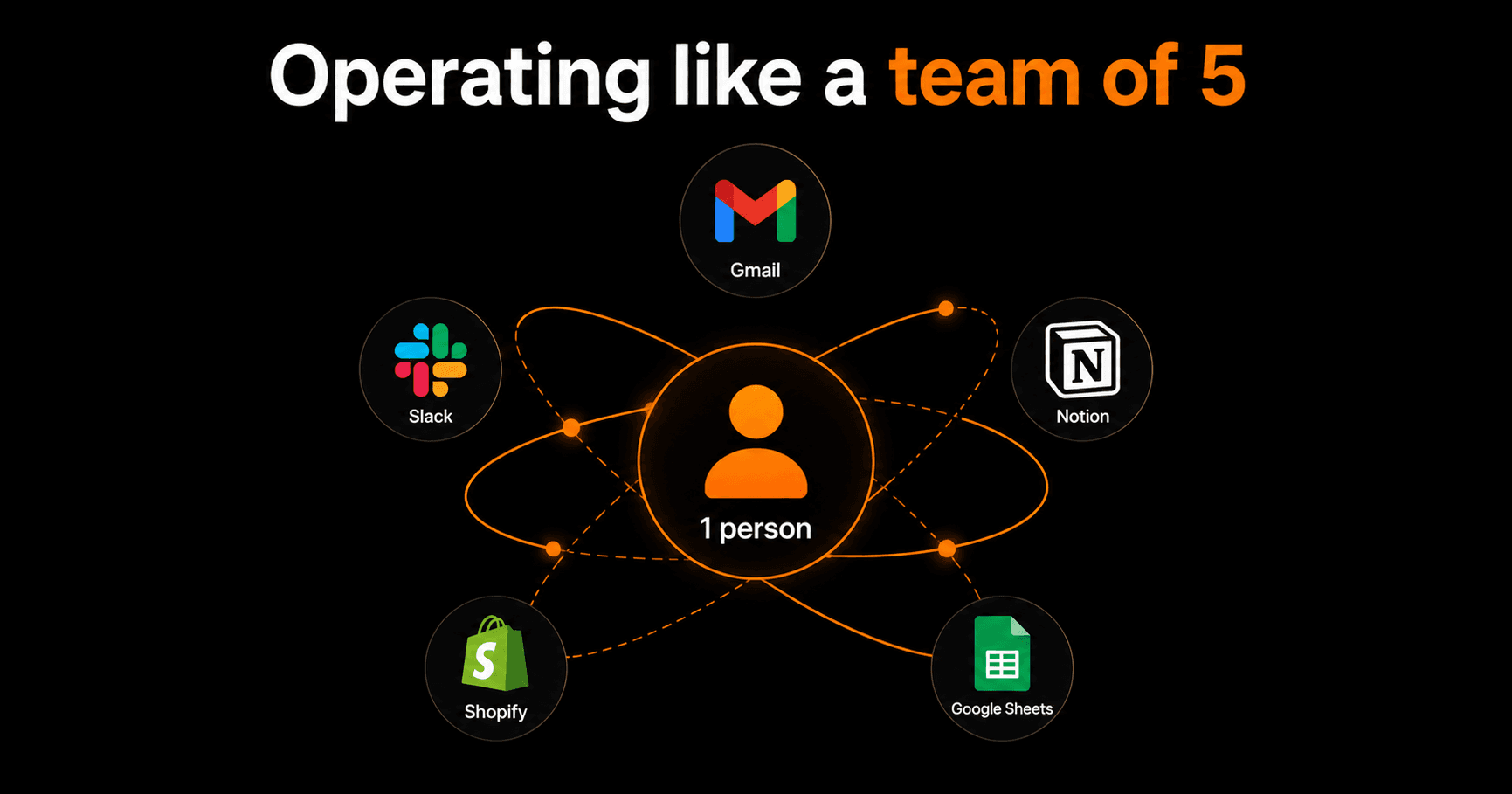
Running a one-person business doesn't mean doing everything yourself. The solo founders who operate at the highest level aren't working 80-hour weeks — they've built an automation stack that handles the repetitive work so they can focus entirely on what only they can do. Here's the exact stack.
The one-person business paradox
You have no team, but you're doing the work of many: marketing, sales, customer service, operations, finance, product. Every hour you spend on admin is an hour not spent on the work that actually grows the business.
Automation doesn't replace judgment — it replaces repetition. The goal is to automate everything that happens the same way every time so your brain is reserved for decisions that genuinely require it.
The 5-layer automation stack
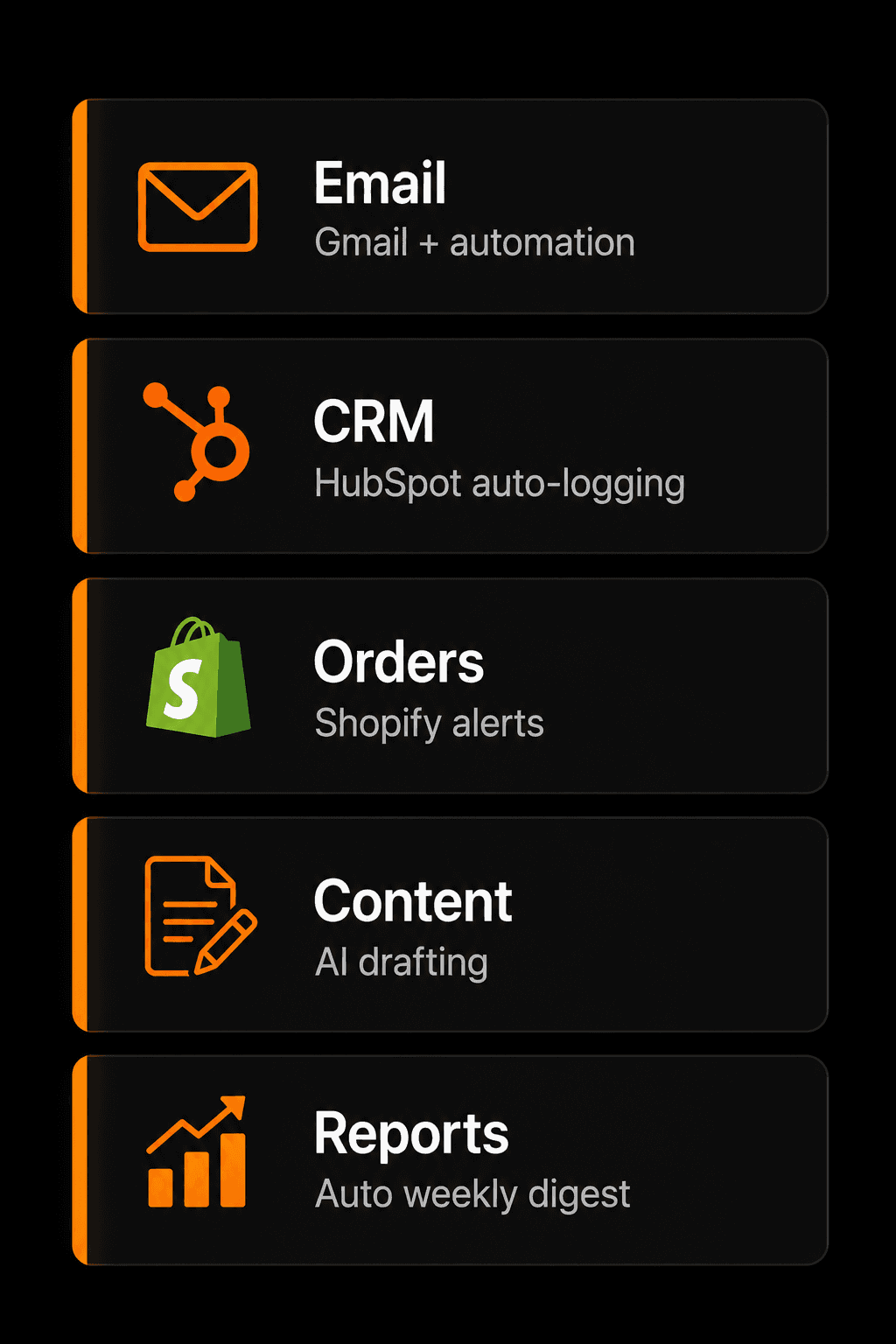
The five automation categories every solo business needs
Layer 1: Email automation
Email is where most solo founders lose the most time. Automate:
- New inquiry → AI draft reply → your review → send
- New subscriber → welcome sequence (5 emails, pre-written, spaced automatically)
- Payment received → receipt + thank you sent instantly
- Invoice overdue → polite follow-up sent at 7 days, 14 days, 30 days
Result: your inbox no longer requires constant monitoring. You respond faster with less effort.
Layer 2: CRM and lead tracking
You don't need a full enterprise CRM. You need a system where no lead falls through the cracks. Build:
- Form submission → HubSpot contact created automatically
- Contact → tagged with lead source, service interest, date added
- Deal stage change → Slack notification to yourself
- 30 days without activity on a lead → reminder sent to follow up
A Google Sheet can work as a lightweight CRM if you're early-stage — just build the automations that populate it consistently.
Layer 3: Order and payment operations
For product businesses (Shopify, Gumroad, WooCommerce) or service businesses using Stripe:
- New order → customer welcome email + delivery confirmation
- New order → Slack notification with order details
- Refund request → immediate acknowledgment + your review queue
- Monthly revenue → summarized and sent to you every 1st of the month
Layer 4: Content pipeline
Content marketing compounds — but it's time-intensive if done manually:
- Weekly content idea → AI expands to outline → saved to Notion for review
- Blog post published → automatically shared to social queues
- Newsletter day → AI drafts from this week's blog posts + your notes
- YouTube video uploaded → transcript extracted → blog post generated as draft
Layer 5: Reporting and analytics
You need to know your numbers without spending time compiling them:
- Every Friday at 9am → weekly summary: revenue, new leads, emails sent, tasks completed
- Monthly → P&L summary pulled from your invoice tracker and sent to email
- Traffic spike → Google Analytics alert → Slack notification
The tools you actually need
You don't need to use all 42 tools Vendarwon Flow supports. A focused stack does more than a cluttered one:
- Inbox: Gmail
- Knowledge base: Notion
- CRM: HubSpot free tier or Google Sheets
- E-commerce: Shopify or Gumroad
- Email marketing: ConvertKit or Mailchimp
- Automation hub: Vendarwon Flow
Six tools. Everything connected. Nothing falling through the cracks.
How long does this take to set up?
Realistically: 4–6 hours to build all five layers. Each workflow takes 20–40 minutes to configure, test, and activate. The payoff starts immediately — most solo founders report saving 8–15 hours per week after the full stack is running.
Start with the email automation layer. It delivers the most immediate relief and gives you a feel for how the system works before you build the rest.
Frequently asked questions
What if I make a mistake and an automation sends the wrong thing?
Every workflow has an on/off switch. If something goes wrong, deactivate it immediately. The Executions log shows exactly what ran and what it sent, so you can diagnose and fix the issue before reactivating. For anything sensitive (outbound emails, payment operations), add an approval step that requires your confirmation before execution.
I'm not technical — can I actually build this?
Yes. Vendarwon Flow is specifically built for non-technical founders. You describe what you want in plain English and the AI generates the workflow. The only “technical” step is clicking “Authorize” in each integration — the same click you do when any app asks for Google permissions.
Should I automate customer service?
For initial triage and drafting: yes. For final responses: keep yourself in the loop at first. Build the email triage workflow with human approval, run it for 30 days, and see how accurately the AI drafts. Once you trust the output, you can automate sending directly for specific email types (like FAQ responses).
What's the ROI of building this stack?
If automation saves you 10 hours per week and your effective hourly rate is $100, that's $1,000/week in reclaimed time — $52,000 per year. The Starter plan costs $9/month. The math is not complicated.