Get Slack Alerts for Every New Gmail Email — Automatically
Stop switching between Gmail and Slack. Automatically forward important emails to any Slack channel the moment they arrive — no code, no Zapier, just plain English.
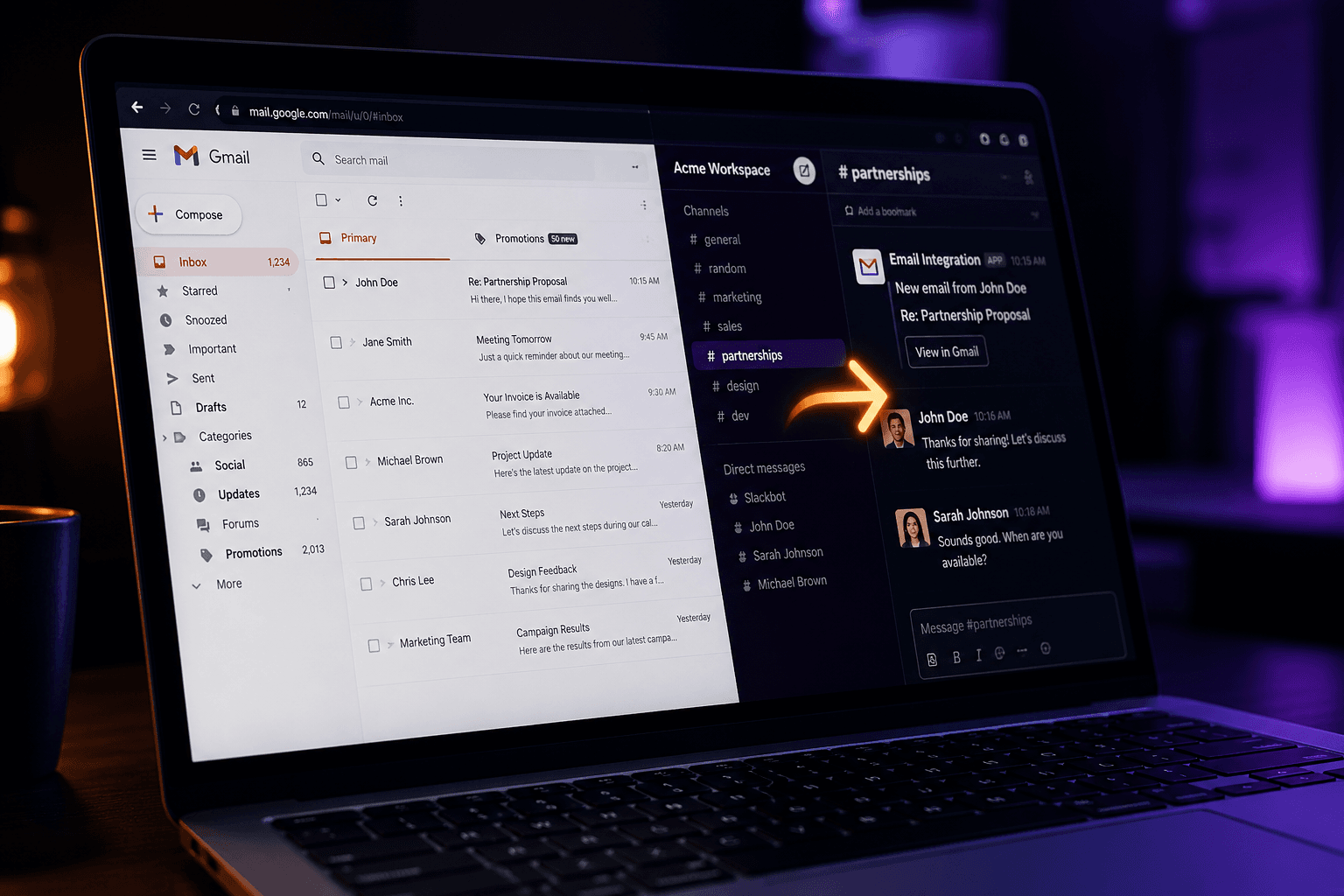
What you type into Vendarwon Flow
“When I receive a new email in Gmail, send the sender name, subject line, and first 200 characters of the body to the #email-alerts channel in Slack.”
That's it. The AI builds and deploys the workflow for you.
How to set it up — 4 steps, under 2 minutes
Connect your Gmail account
Go to Integrations, click Gmail, and authorize with your Google account. Vendarwon Flow gets read access to your inbox — it never sends email without you telling it to.
Connect your Slack workspace
Click Slack in the integrations list and authorize your workspace. Pick which channel should receive the notifications — #general, #alerts, or a dedicated #email-inbox channel.
Describe the automation in plain English
Open the workflow builder and type something like: "When I receive a new email in Gmail, send the subject and sender to #alerts in Slack." The AI builds the workflow instantly.
Turn it on
Click Activate. From now on every new email triggers a Slack message automatically — even while you sleep.
Who uses this automation
- Get notified in Slack when a client emails you
- Alert your team when support emails arrive
- Forward VIP sender emails to a private channel
- Monitor a shared inbox without checking it constantly
Build this automation free in 60 seconds
No credit card. No code. Just describe what you want and Vendarwon Flow builds it.
Get started free